
Oexta Stop Motion
Bring anything to life,
one frame at a time.
Clay, toys, paper cutouts, building bricks. If you can move it, you can animate it. Onion skin, titles, crop and music in one calm studio, on your phone, tablet or computer.
Free for Windows now. iPhone, iPad, Mac and Android coming soon.
How to make a stop motion film
Clay, toys, paper or anything on your desk: shoot it a frame at a time and watch it move.
-
1
Set up and capture frames
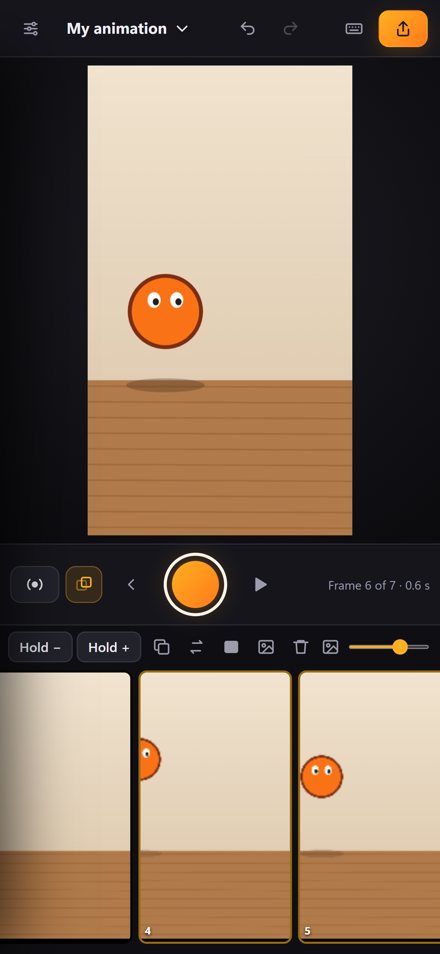
Point your camera at the scene. On a computer you can also scan a QR code and use your phone as the camera. Turn on onion skin to see your last frames faintly over the live view, move your character a little, and press the big orange button. Repeat.
-
2
Arrange your frames
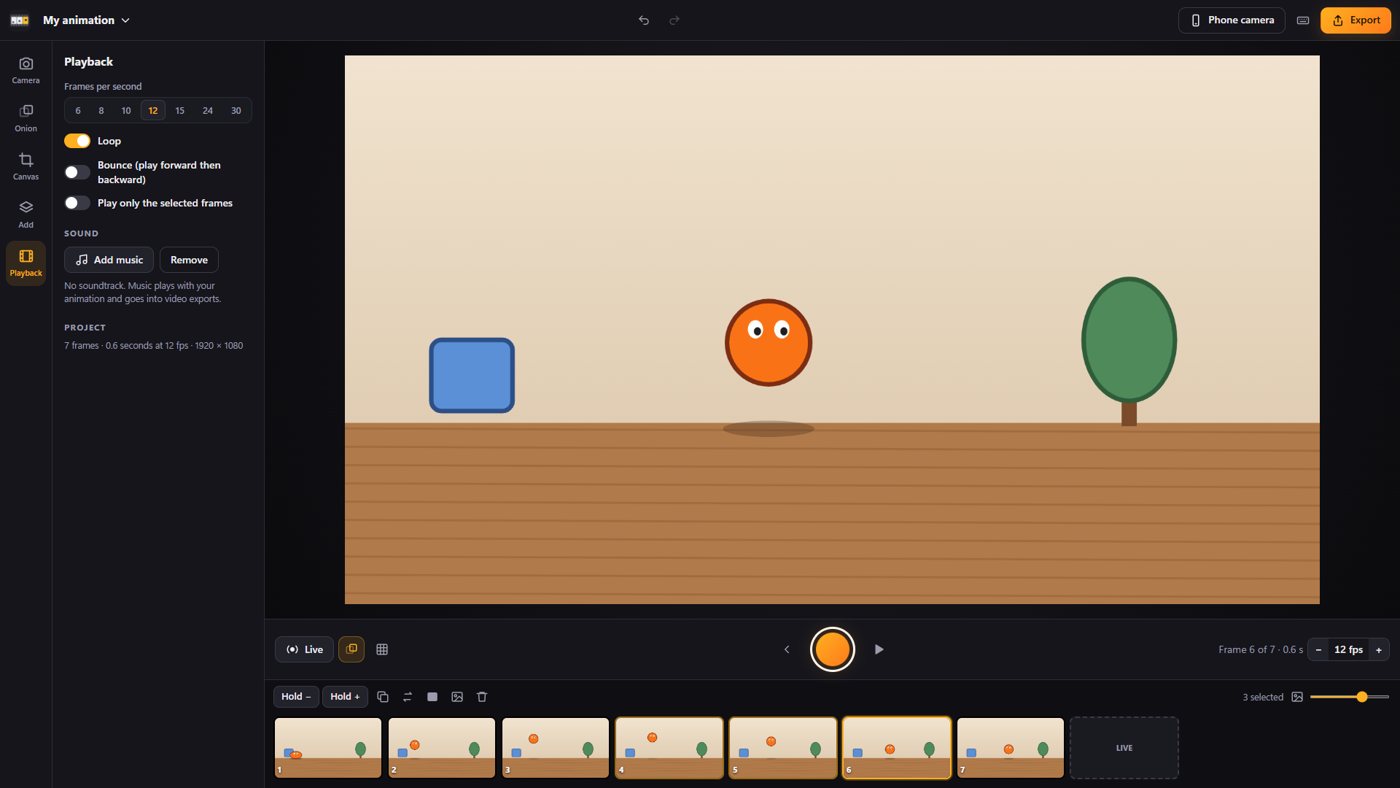
Drag the slider to make the thumbnails smaller or bigger. Drag a frame to move it, select several with Shift or Ctrl, and duplicate a frame to hold that pose for longer.
-
3
Add titles and shapes
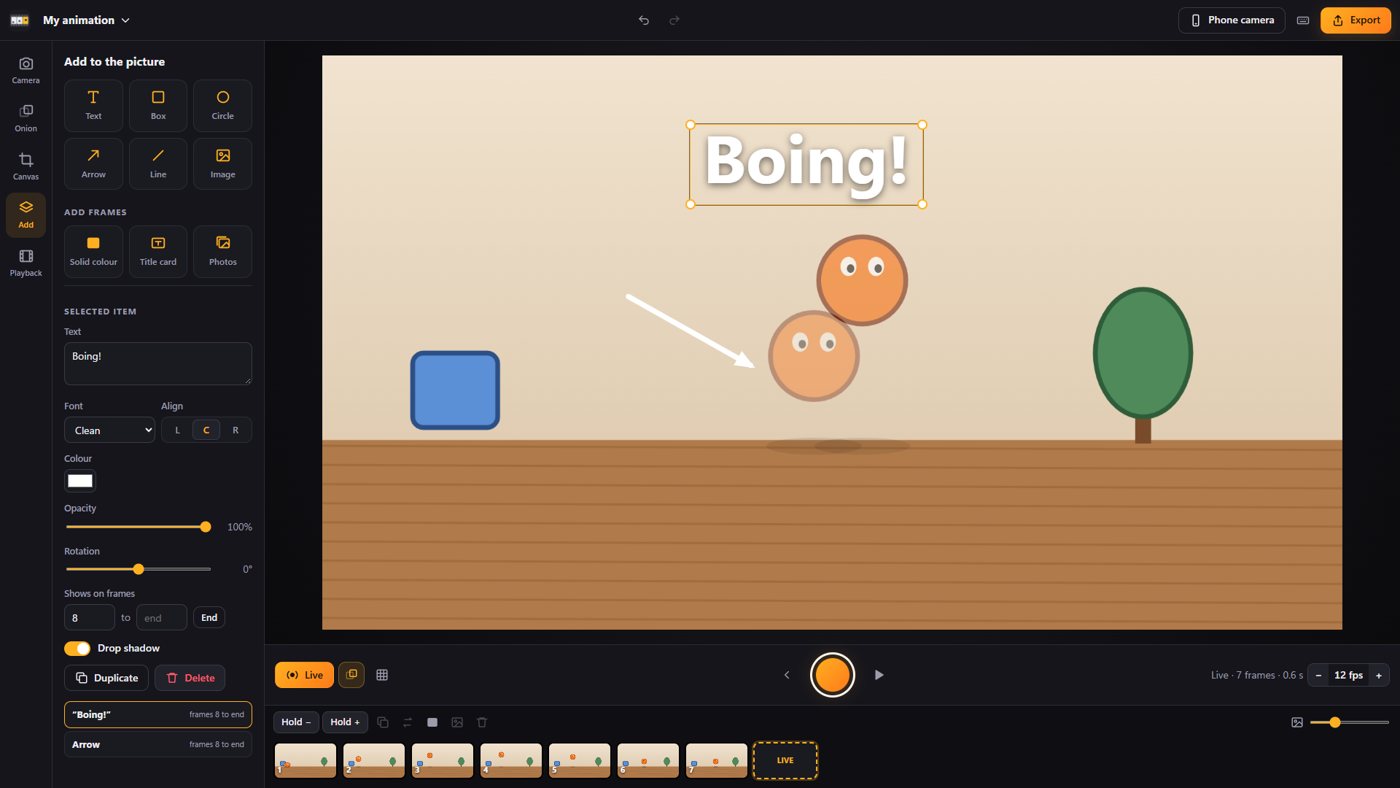
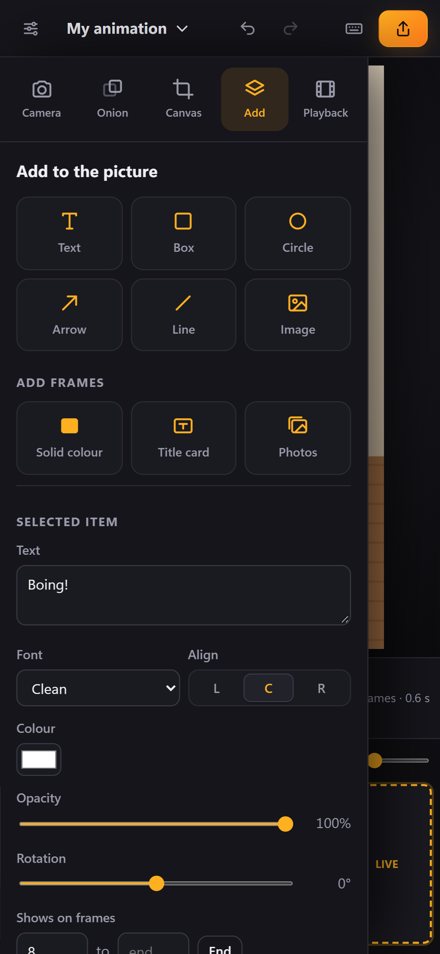
Open Add to put text, boxes, circles, arrows or images over your frames. Choose which frames they appear on, or add a title card or a solid colour frame between shots.
-
4
Play it back
Press Play to watch your animation at the speed you choose. Loop it, play it back and forth, or play just part of it while you work.
-
5
Export and share
Press Export and choose a video, an animated GIF or the frames as pictures. Add a soundtrack for the video before you export.
Make it a real film
Titles, arrows and images right on your frames.
- Text, boxes, circles, arrows, lines and your own pictures
- Move and resize them on the picture; choose the frames they show on
- Solid colour frames and title cards that travel with the scene
- A soundtrack that goes into your video export
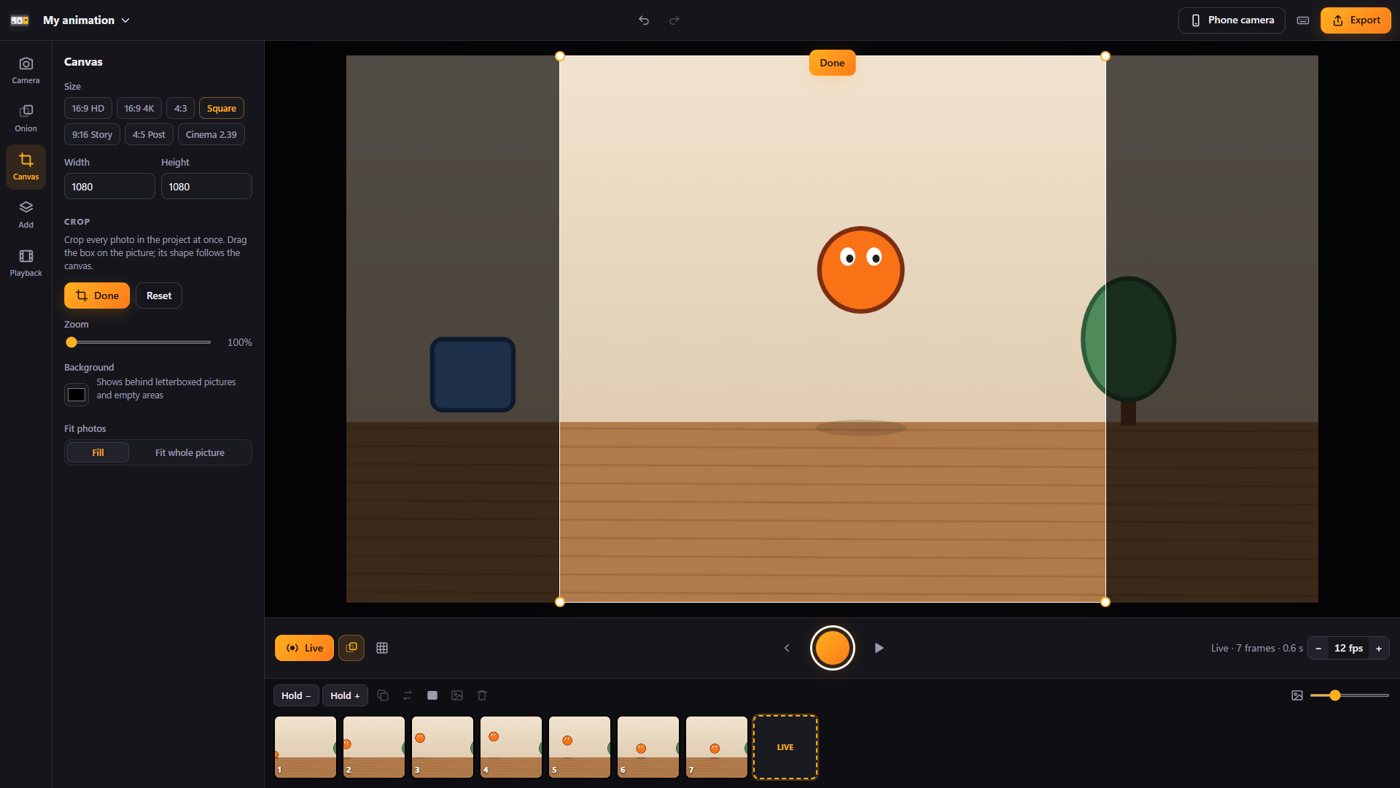
Any shape of video
Stories, posts, widescreen or cinema.
- 16:9 HD and 4K, 4:3, square, 9:16 stories, 4:5 posts and 2.39 cinema
- Crop every photo in the project at once by dragging one box
- Fill the frame or fit the whole picture
A timeline that keeps up
Small thumbnails. Drag to reorder.
- Resize the thumbnails with a slider
- Select a range to reverse, duplicate or delete; hold frames for longer
- Undo everything, play at 6 to 30 frames per second, loop or bounce
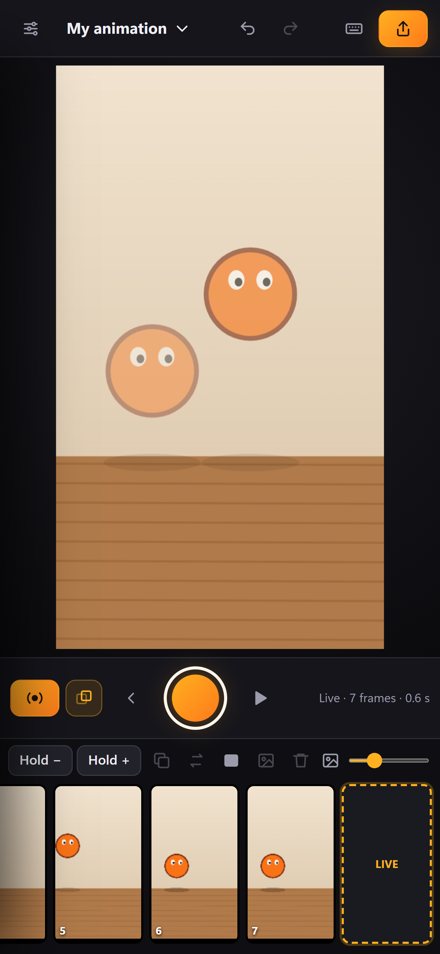
On your phone and tablet
The whole studio in your pocket.
Your phone as the camera
On Windows and Mac, scan a QR code and every photo you take lands in your timeline over your WiFi.
Hands free capture
When your hands leave the scene and everything is still, it takes the frame for you. Or shoot a time lapse.
Camera moved warning
Knocked the table? You get a warning before a moved camera ruins the scene.
Capture on twos
Each press can add one, two or three frames, with an optional countdown.
Share it anywhere
Video with your music, a looping GIF, or picture frames for editing. Never a watermark.
Yours alone
Projects stay on your device. No account, no ads, no tracking. Privacy policy