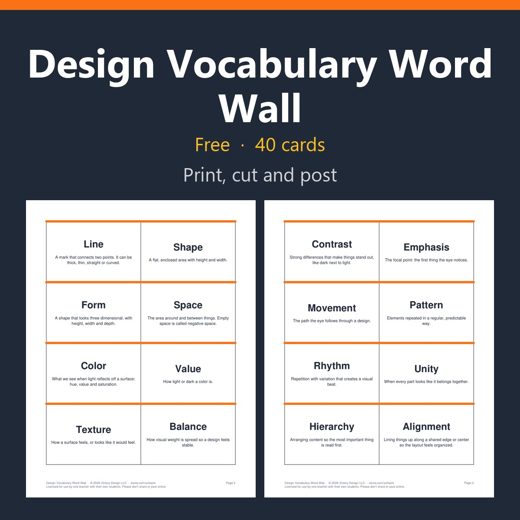
Design Vocabulary Word Wall
40 print and cut cards with student friendly definitions.
Classroom resources
46 lessons, projects and printables for art, graphic design and digital media classes, written by a working designer. Start with the free ones.
 Sample guide: Leaf logo with the Shape Builder →
Print these today. They're free here and on Teachers Pay Teachers.
40 print and cut cards with student friendly definitions.
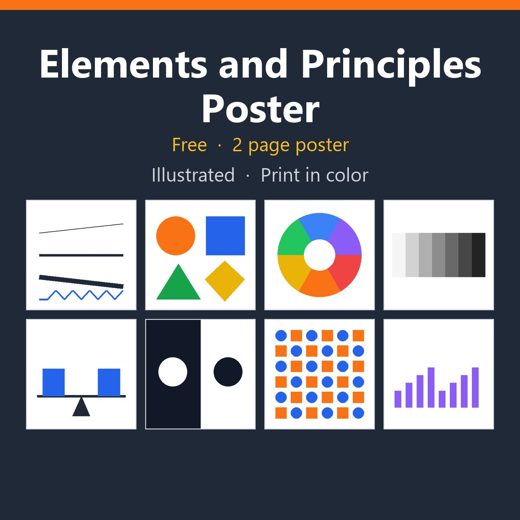
Two illustrated posters for the classroom wall.
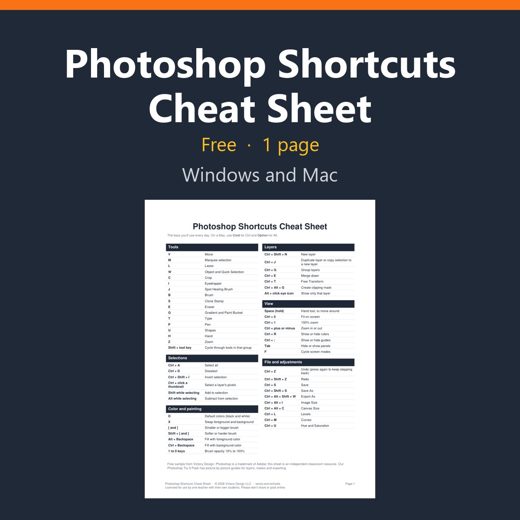
The keys students use every day, Windows and Mac.
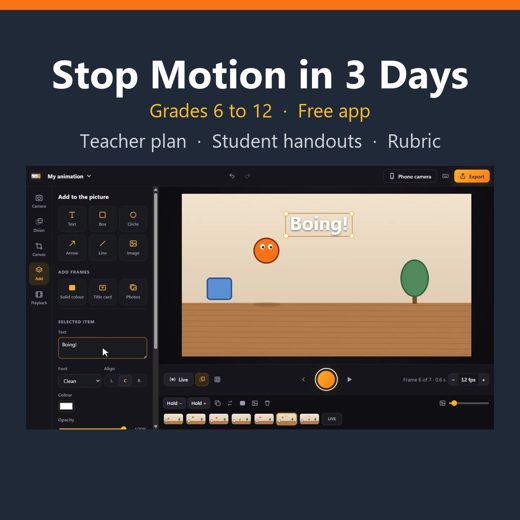
The illustrated how to and a storyboard sheet.
Uses the free app Oexta Stop Motion
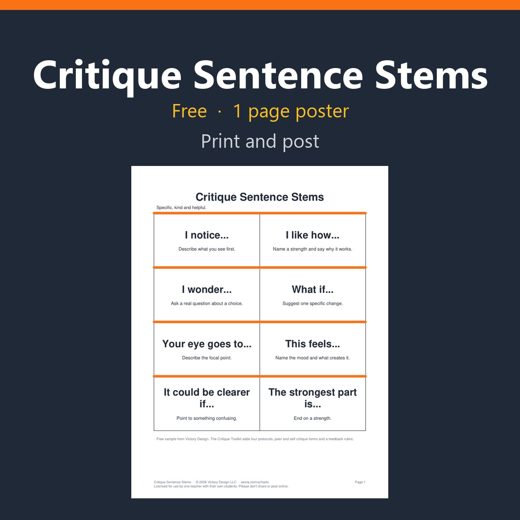
Eight stems that turn I like it into real feedback.
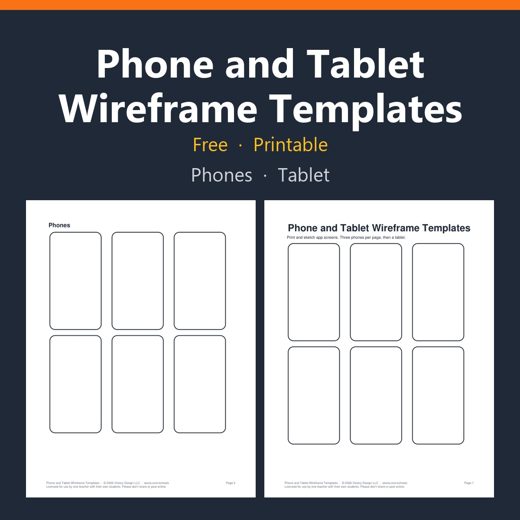
Printable frames for sketching app screens.
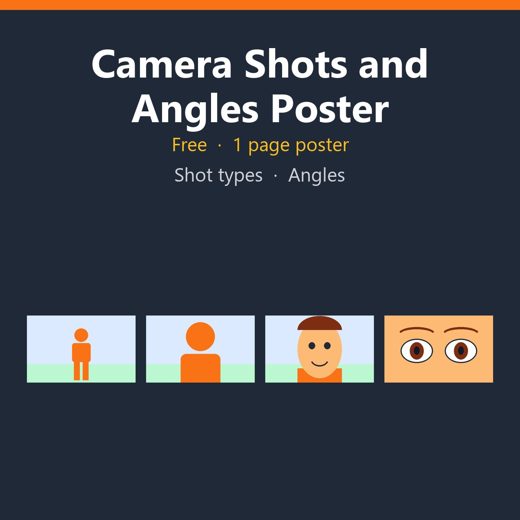
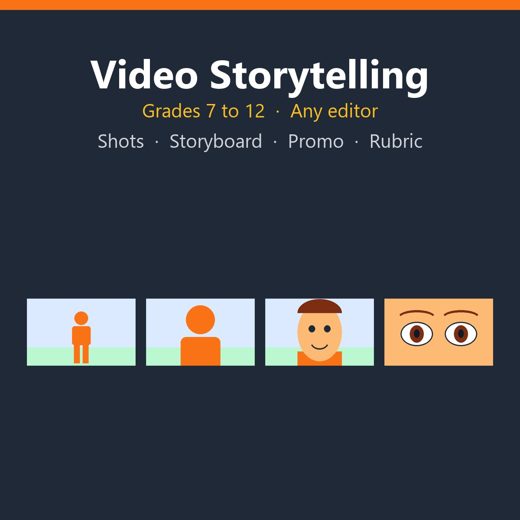
Illustrated shot types and camera angles.
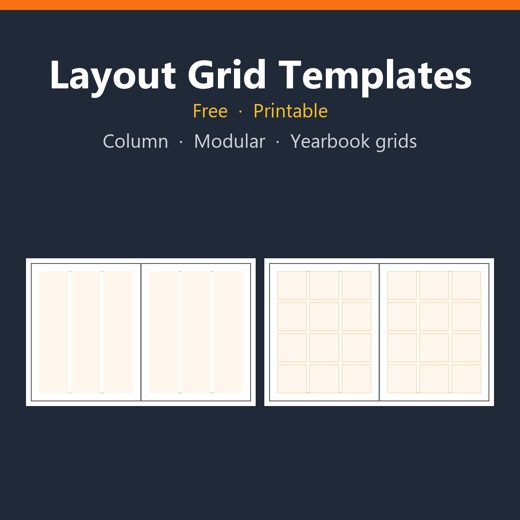
For the days you need a plan that just works.
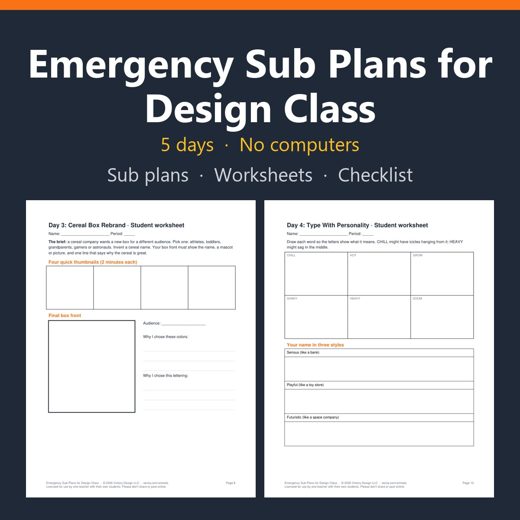
Five days of real design work, no computers needed.
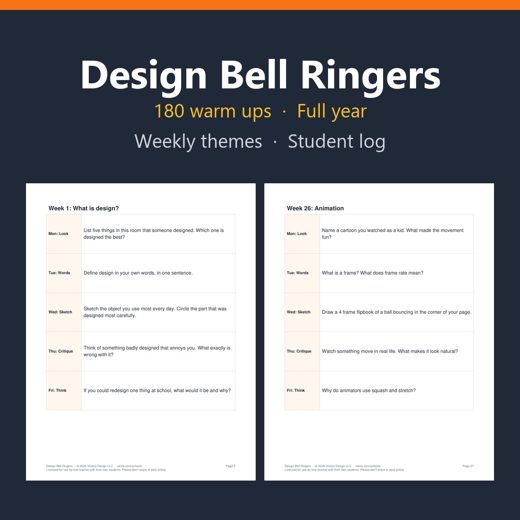
180 five minute warm ups in 36 weekly themes.
The ideas every design student needs, made visual.
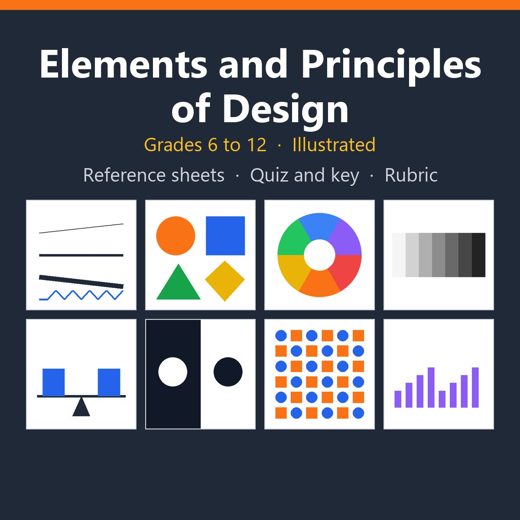
Illustrated sheets, scavenger hunt, quiz and poster project.
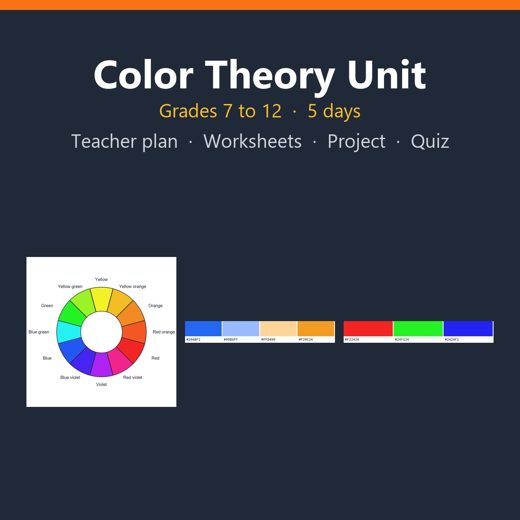
The wheel, harmonies, psychology, RGB and CMYK, and a rebrand project.
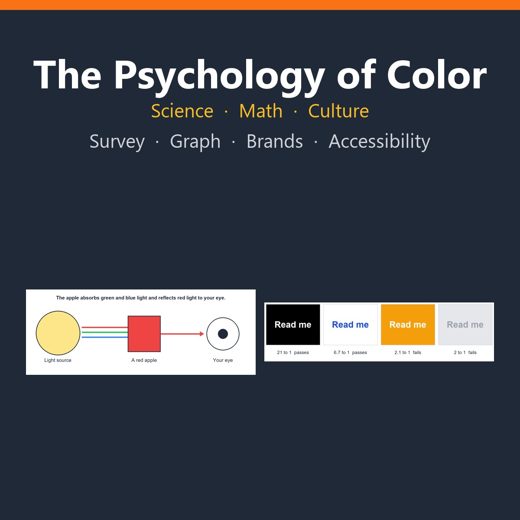
How we see color, a survey and graph, brands, culture and accessibility.
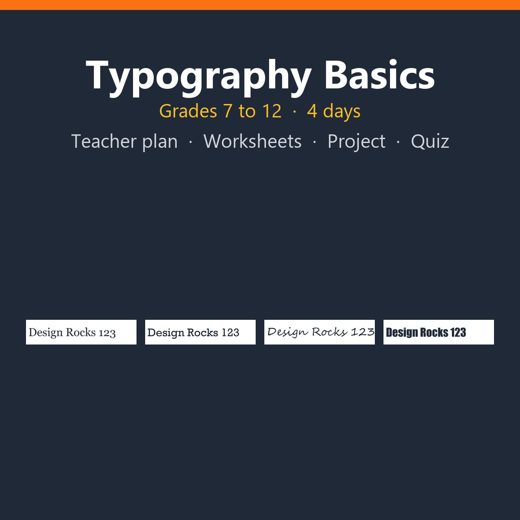
Anatomy, type families, spacing, hierarchy and a one word poster.
Students work the way real designers and studios do.
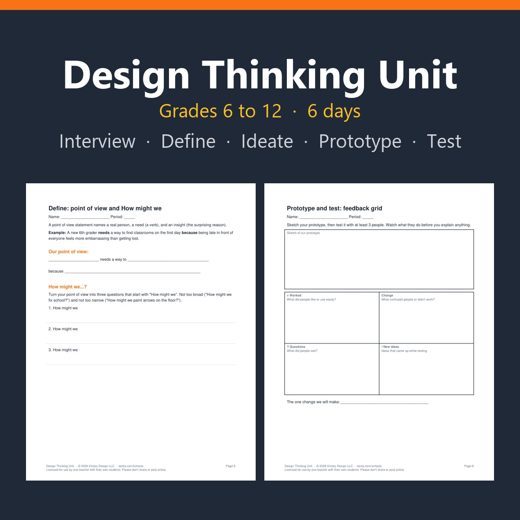
Interview, define, ideate, prototype and test a real school problem.
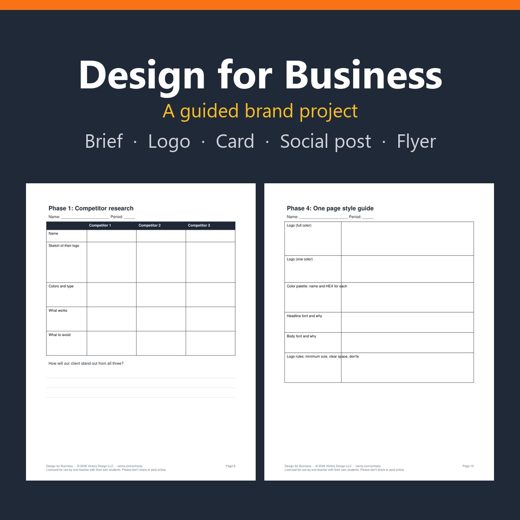
Client interview to logo, card, social post, flyer and pitch.
A personal brand from your initials, with a client critique.
Picture guides made in the real apps, so every click is shown.
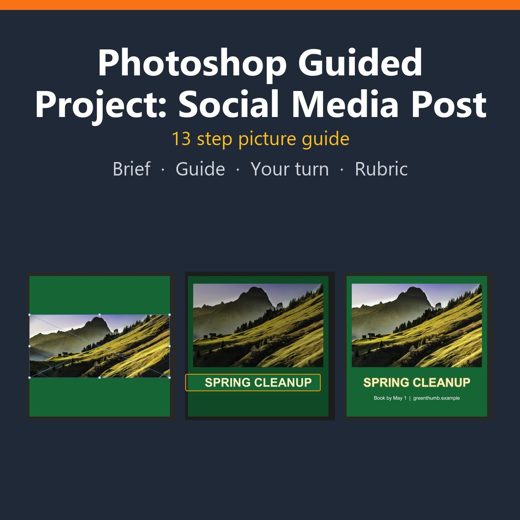
A 13 step guide, then a post for a new client.
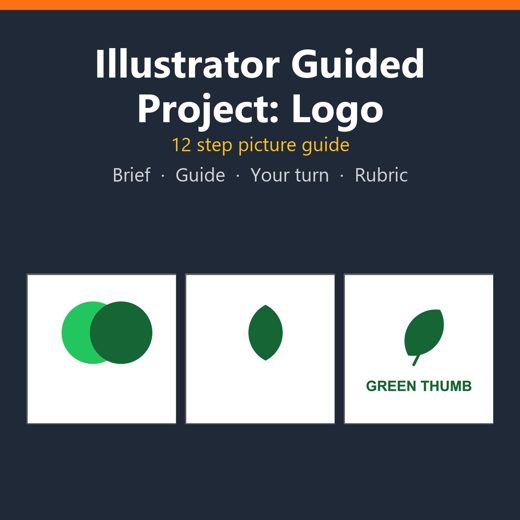
A 12 step guide to a scalable vector logo.

An 11 step guide with practice footage included.
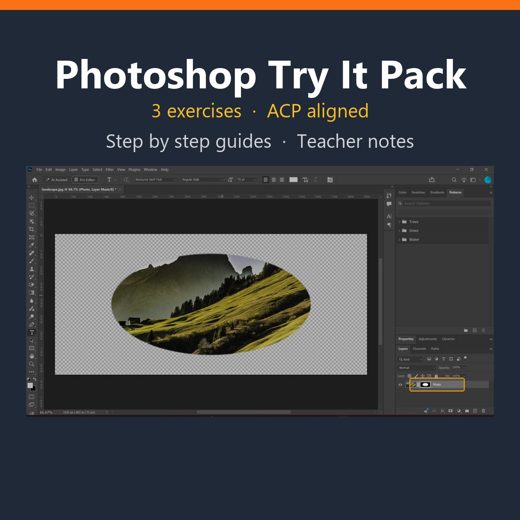
Layers, masks and exporting, aligned to the Adobe certification.
Media skills students use everywhere: the camera, the web and the edit.
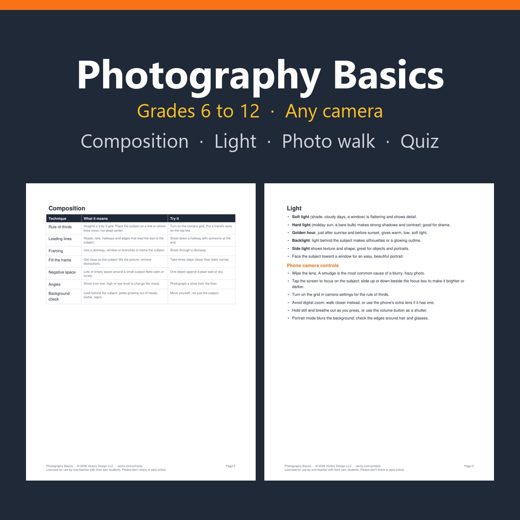
Composition, light, phone camera controls and a photo walk.
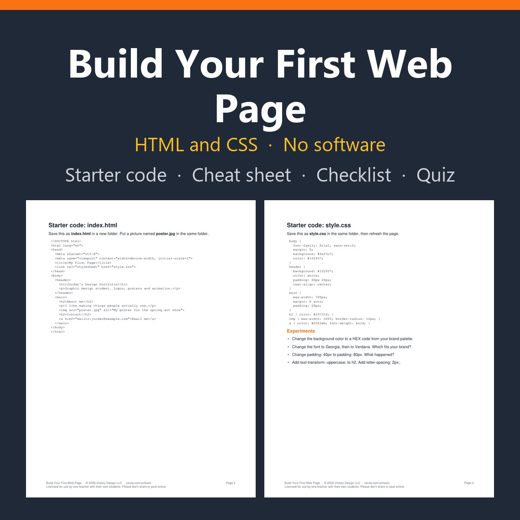
Editorial design, yearbook and moving type.
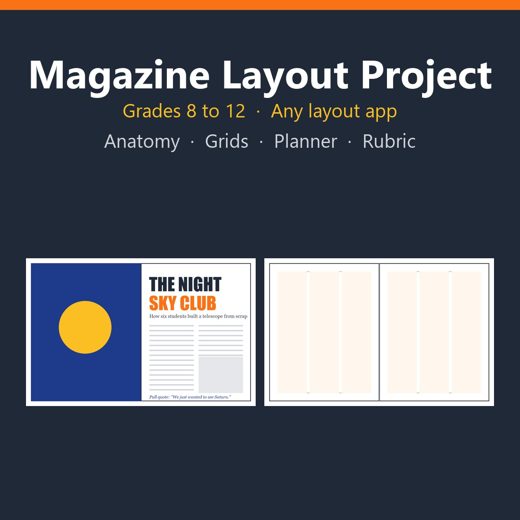
A two page feature spread with grids and hierarchy.
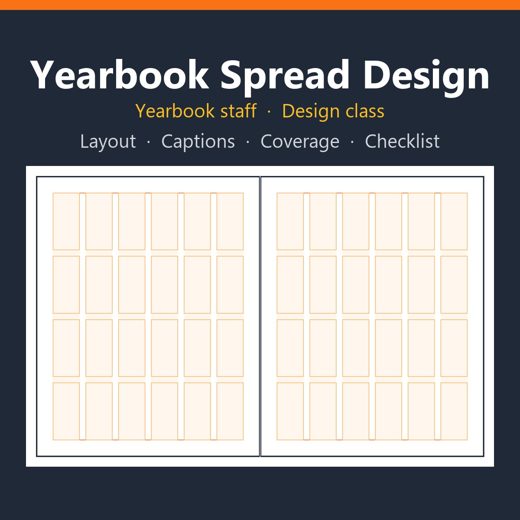
Modular layouts, captions, coverage and pre press.
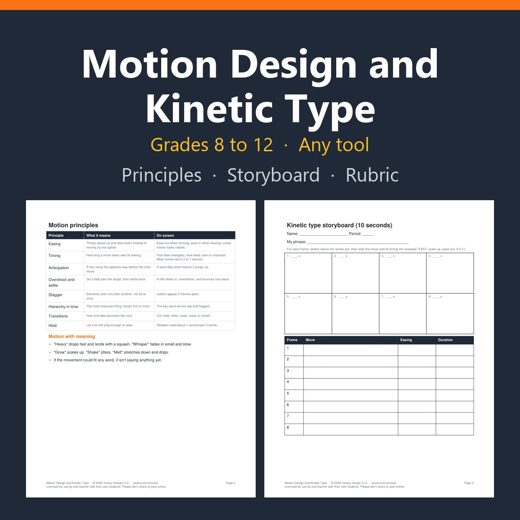
Easing, timing and a 10 second kinetic title.
Real projects in any subject, using free Oexta apps with no student accounts.
The paper airplane challenge, then a real picture guide.
Uses the free app Oexta Steps
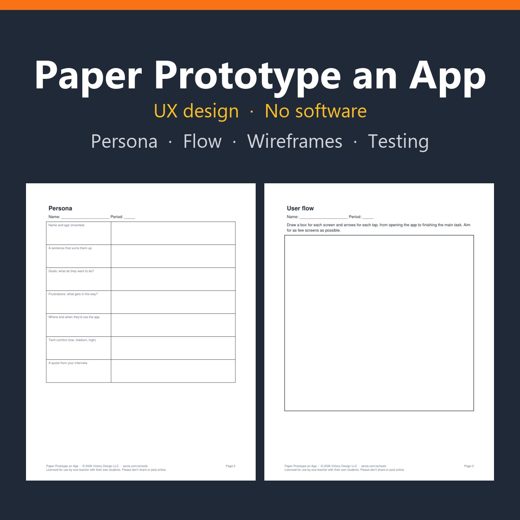
Persona, user flow, wireframes and usability testing on paper.
Movement, timing and storytelling, with free apps that need no student accounts.
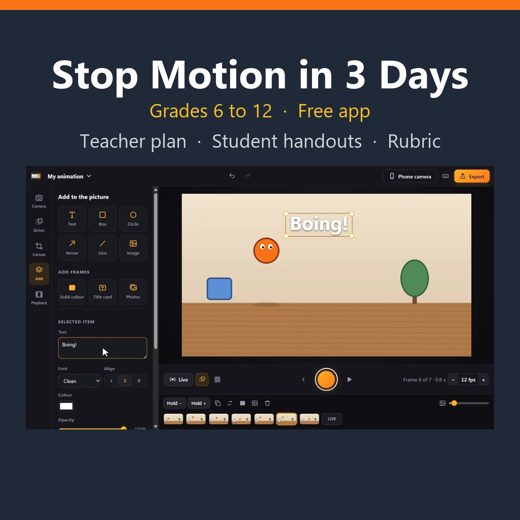
Plan, shoot and share a film with Oexta Stop Motion.
Uses the free app Oexta Stop Motion
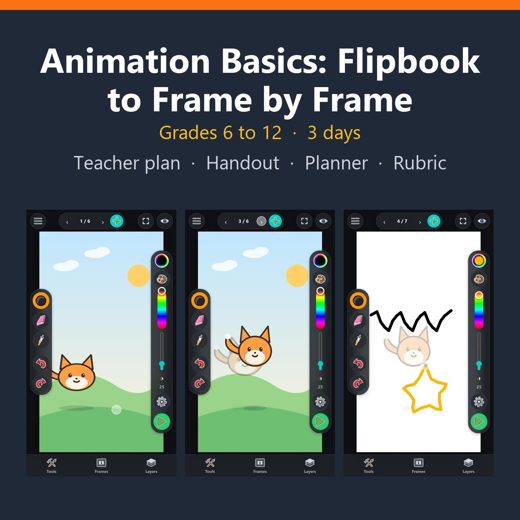
A paper flipbook, then onion skin in ZenAnimator.
Uses the free app ZenAnimator
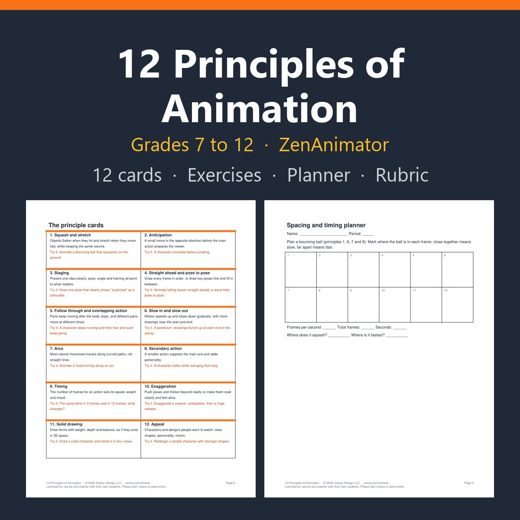
Principle cards and exercises for paper or ZenAnimator.
Uses the free app ZenAnimator
File types, copyright, critique and careers: what working designers need to know.
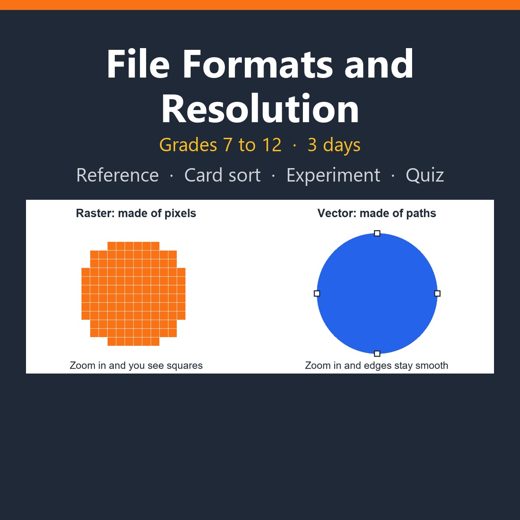
Raster and vector, PPI math, a format guide and a card sort.
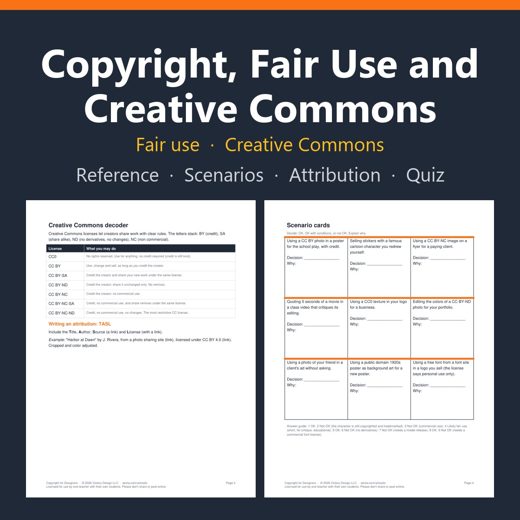
What students can legally use, with scenarios and attribution.
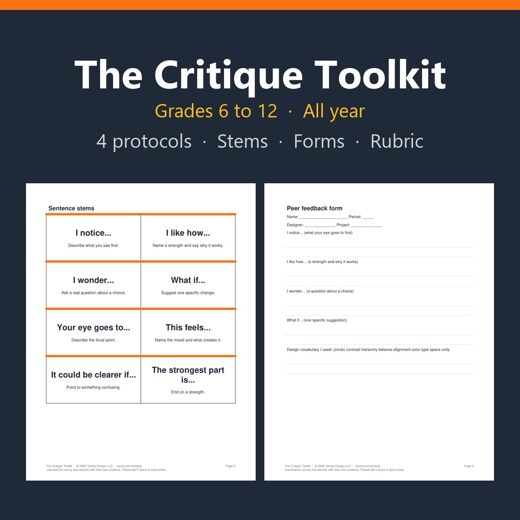
Four protocols, stems, feedback forms and a rubric.
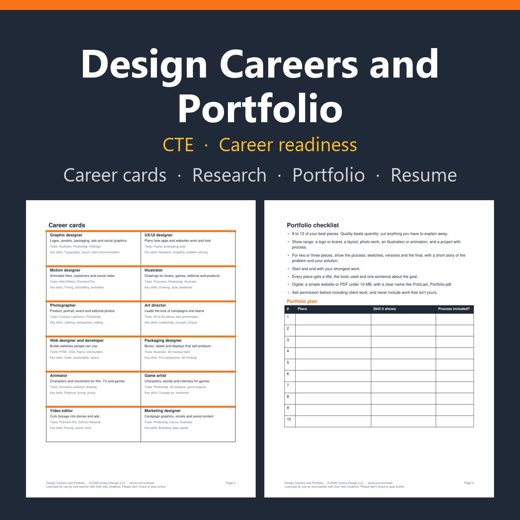
Career cards, research, portfolio plan, resume and interviews.
Bring design into history, math and English, or invite those teachers into yours.
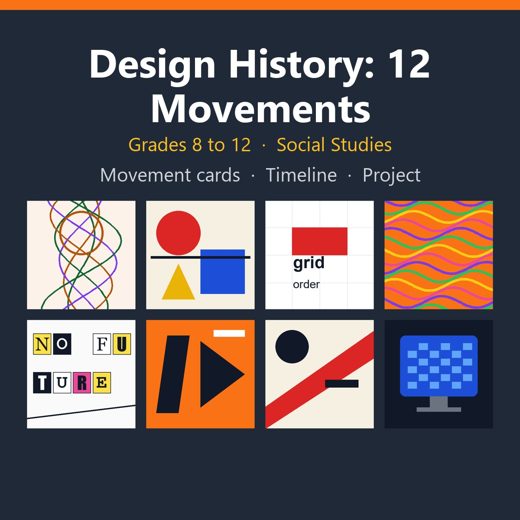
Movement cards, a timeline, poster analysis and a restyle project.
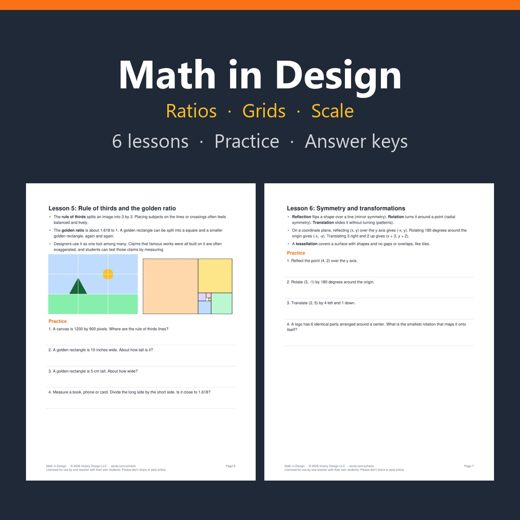
Ratios, scale, resolution, grids and symmetry with answer keys.
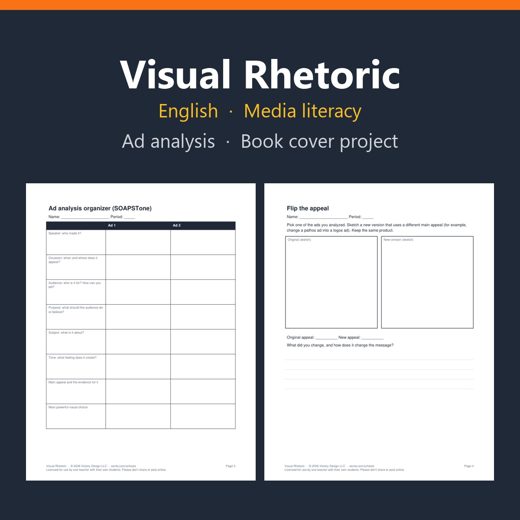
Ethos, pathos and logos in ads, and a book cover project.
The free printables, extended. $3 each.

24 more cards, a match up game, blank cards and headers.

Cut out UI parts, a worked example, flow grid and test notes.

Four more grids, a thumbnail planner and a paper layout kit.

Desk cards, gallery walk slips, a peer form and a worked example.

A flipbook kit, the bouncing ball, frame math and extra storyboards.
Uses the free app Oexta Stop Motion
School licences for the Oexta apps come with every lesson pack for your teachers, invoiced to the school. Tell us how many teachers and computers.
46 lessons, projects and printables for art, graphic design and digital media classes, written by a working designer.
Yes. The free printables can be downloaded from this page, and they are also free on Teachers Pay Teachers.
Every unit has a day by day plan, student worksheets and a rubric. Software projects show every click with real screenshots.
Most lessons work with paper and pencil. Software lessons fit Adobe or free tools, and animation lessons use free Oexta apps with no student accounts.
In the Victory Design store on Teachers Pay Teachers. The Visit the store button on this page opens it.